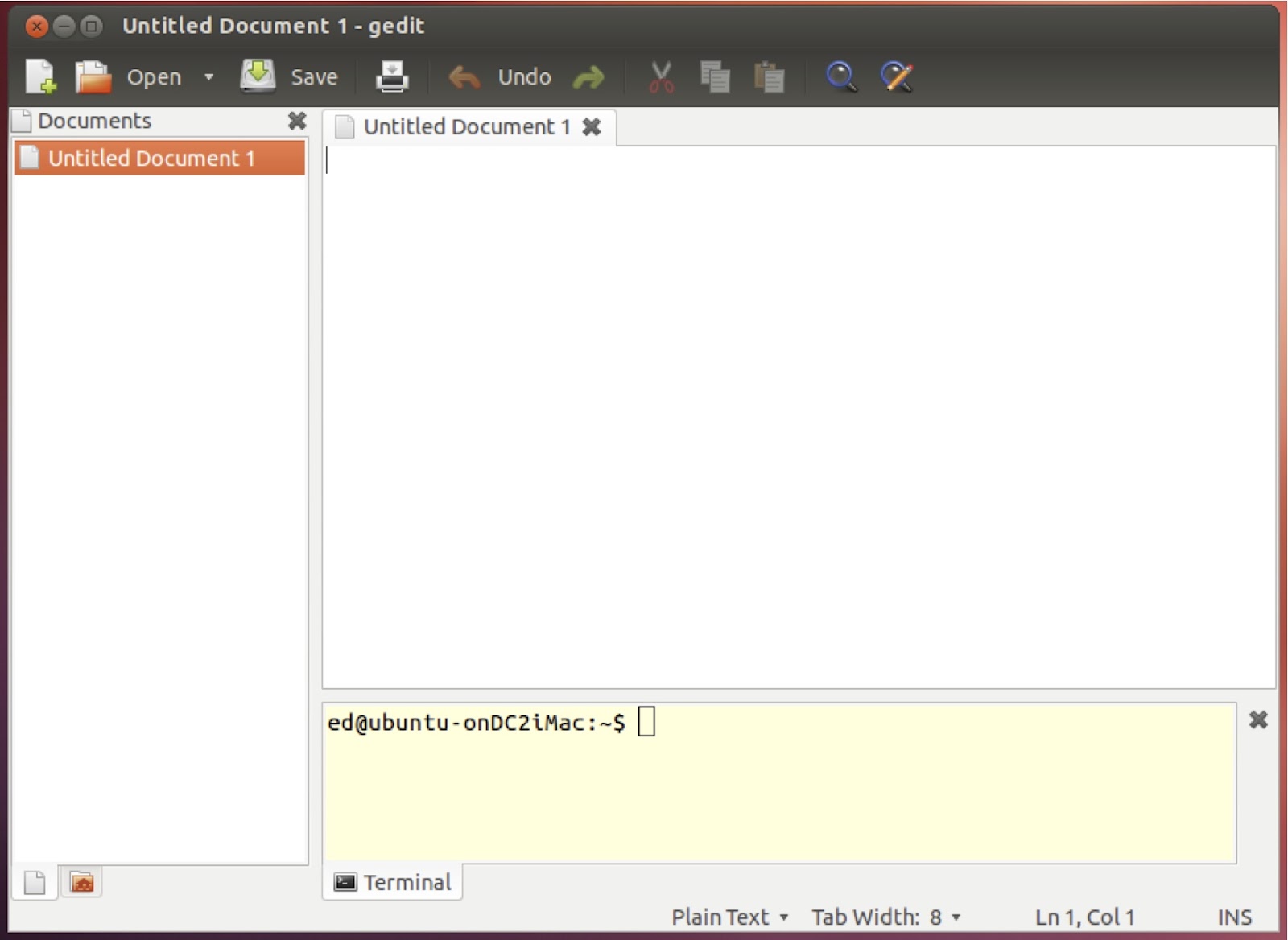
Embedded terminal in gedit (Ubuntu 12.04)
To get an embedded terminal in gedit eneter the following into a Terminal window:sudo apt-get install gedit-plugins
Open gedit then go:
Edit > Preferences > Plugins
enable 'Embedded Terminal'
To view the embedded Terminal:
View > Bottom Panel (or Ctrl + F9)
The present default configuration of the embedded Terminal on Ubuntu 12.04 uses white text on a white background, which is pretty ridiculous. You can either adjust the font colour of your default Terminal or use the following workaround:
Work around to get gEdit embedded Terminal usable on Ubuntu
Run the following from the Terminal:
sudo apt-get install dconf-tools
dconf-editor
In the Configuration Editor that appears navigate to the required plugin:
org > gnome > gedit > plugins > terminal
uncheck 'use-theme-colors' and then restart gEdit.
Added screenshot on recommendation of Ross: