Identifying intermittent network loss on a Raspberry Pi
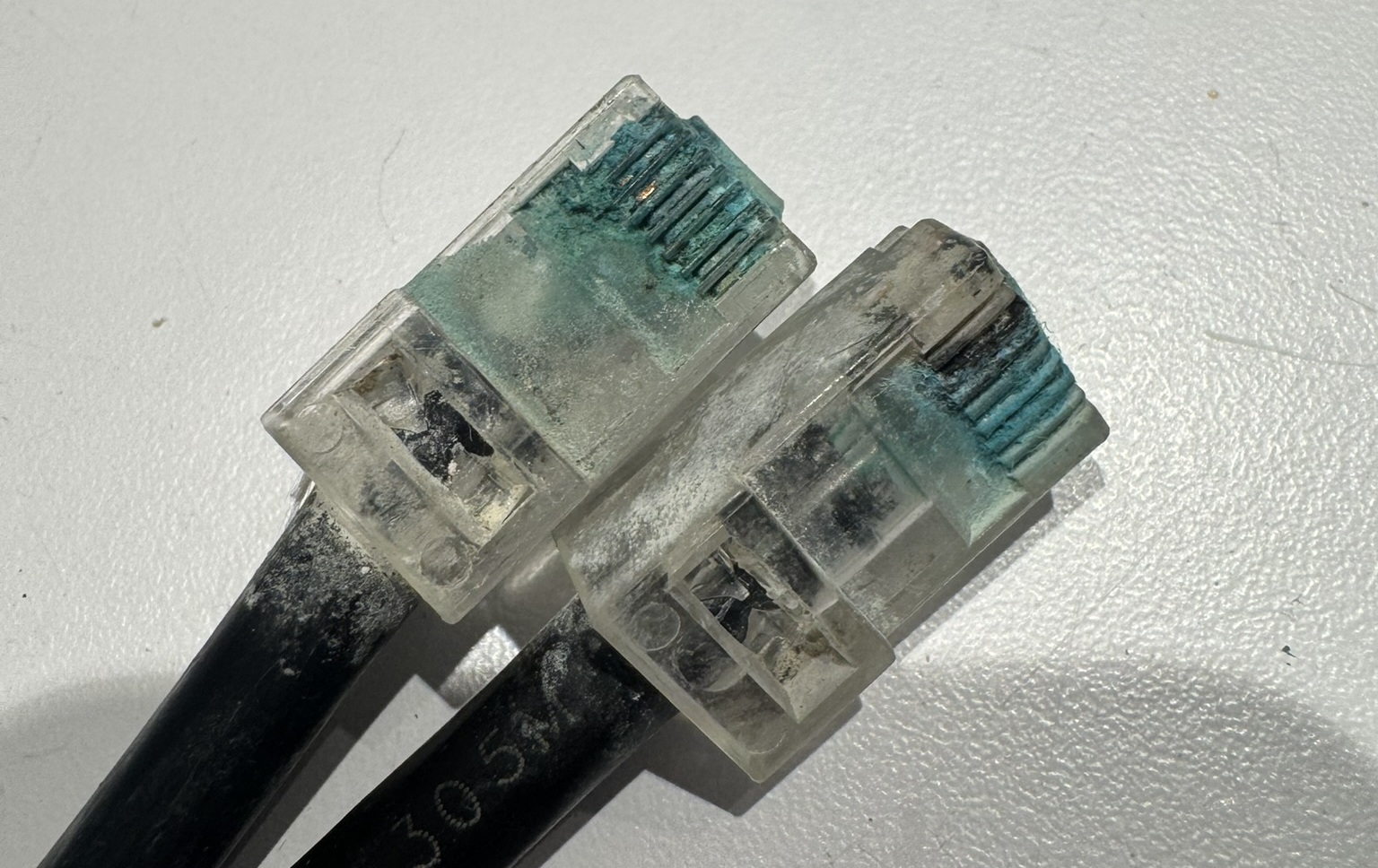
Intermittent network loss can be one of the most frustrating problems to diagnose on a Raspberry Pi, especially on headless devices deployed in the field. Whether you are connected over Wi-Fi or Ethernet, connections may drop for only a second or two, making the issue invisible to casual checks but disruptive to data uploads, SSH sessions and remote monitoring. Wi-Fi is particularly prone to brief dropouts caused by interference, but even wired Ethernet connections can suffer from faulty cablling.
A simple and effective way to catch these dropouts is with ping.
Using ping to detect dropouts
ping -O -i 0.2 <your-router-ip>
The key flags here are:
-
-O— Report outstanding (unanswered) ping requests. Normallypingstays silent when a reply is missed; with-Oit prints a line for every missed reply, making dropouts immediately visible in the output. -
-i 0.2— Send a packet every 0.2 seconds (five per second) instead of the default one per second. This gives much finer-grained visibility into short-lived dropouts that a once-per-second ping might miss entirely.
Replace <your-router-ip> with the IP address of your local router or gateway (e.g. 192.168.1.1). Pinging the router rather than an external host isolates the problem to your local network, ruling out upstream internet issues.
Using pi-data to ping the router
This makes use of the pi-data tool.
ping -O -i 0.2 $(pi-data default-gateway)
Reading the output
Normal replies look like this:
64 bytes from 192.168.1.1: icmp_seq=1 ttl=64 time=2.34 ms
64 bytes from 192.168.1.1: icmp_seq=2 ttl=64 time=1.98 ms
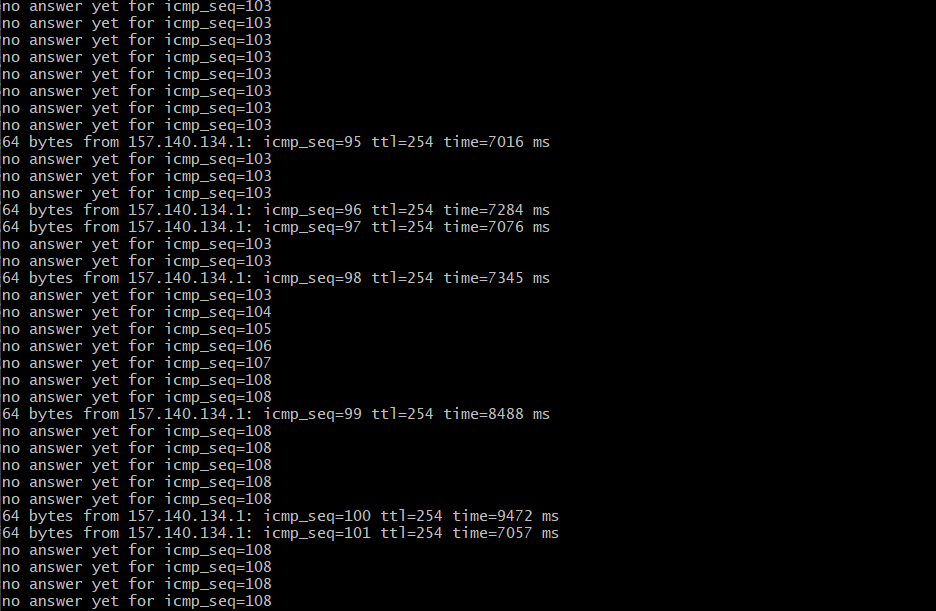
When a packet is lost, -O produces a line like:
no answer yet for icmp_seq=3
A burst of no answer yet lines indicates a dropout. The timestamps and sequence numbers let you identify exactly when the loss occurred and how long it lasted.